bq77 App — Cricket, Live Casino & Slots in Your Pocket
The bq77 App brings the full betting experience to Android. Watch live cricket odds update ball-by-ball, spin slots during your commute, and deposit with bKash in under a minute. Free to download — no subscription needed.
- SSL Encrypted
- Android 8.0+
- bKash & Nagad
- 18+ · Play Responsibly
Scan to download on your phone
bq77.apk · v3.0.4 · 52 MB
App vs Browser: Which One Suits Your Game Night?
Both work with the same bq77 account. Here is what changes when you switch to the app.
| Feature | bq77 App (Android) | Mobile Browser | Desktop Browser |
|---|---|---|---|
| Push Notifications Live match odds, bonus alerts |
Yes — real-time | No | No |
| Biometric Login Fingerprint / face unlock |
Yes | No | No |
| bKash / Nagad Deposit Money in ৳ ≈ 4 min |
Yes | Yes | Yes |
| Offline Scoreboard Cache Last scores when signal drops |
Yes | No | No |
| Live Cricket Streaming T20, ODI, BPL, IPL |
Yes | Yes | Yes |
| Quick Bet Slip Swipe One-finger bet placement |
Yes | Limited | No |
| Automatic App Updates One-tap in-app update |
Yes | N/A | N/A |
| Data Usage Optimised Compressed assets for 4G/3G |
Yes | Varies | No |
| 24/7 Live Chat Support In-app chat widget |
Yes | Yes | Yes |
No iOS App Store version yet. iPhone and iPad users can add bq77.ws to the Home Screen via Safari — tap the Share icon, then "Add to Home Screen" — for a near-native experience with the same full game library.
What the App Accesses on Your Phone — Nothing Extra
The bq77 App requests only the permissions it actively uses. Here is what each one is for.
Internet Access
Required to load live odds, stream cricket matches, and process bKash or Nagad deposits. Without it the app cannot connect to bq77 servers. No data is ever sent to third parties outside bq77's payment infrastructure.
Biometric / Device Lock
Used only when you enable fingerprint login from the Security settings inside the app. The biometric data stays on your device — bq77 never receives it. You can disable this feature at any time from your profile settings.
Push Notifications
Sends match-start alerts, odds changes, and bonus reminders. You choose which notification types to receive in the app's Notification Centre. Turning them off in Android Settings will not affect gameplay or account access in any way.
Storage Access
Needed to cache game assets and save your app update file (bq77.apk) before installation. The app does not read photos, documents, or any personal files. Total cached data stays well under 200 MB and can be cleared from app settings.
Match Day Ready: Install the bq77 App in Five Steps
The process takes about three minutes on most Android phones running version 8.0 or later.
-
1
Allow Apps from Unknown Sources
Open Settings → Security → Install Unknown Apps (exact path varies by brand — on Samsung look under "Special App Access"). Find your browser or file manager in the list and toggle "Allow from this source" to On. This setting applies only to that one installer app, not system-wide.
-
2
Download bq77.apk
Tap the yellow "Download APK — Free" button on this page. Your browser saves
bq77.apk(52 MB) to your Downloads folder. Wait for the download bar to reach 100% before proceeding — a partial file will not install correctly. -
3
Open the APK File
Pull down your notification shade and tap the completed download, or open your Files app and navigate to Downloads → bq77.apk. Android will display a permissions summary screen. Review it, then tap Install. The process completes in under 20 seconds on most devices.
-
4
Launch & Log In
Find the bq77 icon on your home screen or in the app drawer. Tap it to open. Use your existing bq77 username and password, or tap Register to create a new account — it takes under two minutes. Enable fingerprint login from Profile → Security for faster access next time.
-
5
Deposit & Play
Go to Wallet → Deposit, choose bKash, Nagad, Rocket, Upay, or Bank Transfer, enter an amount (minimum ৳500), and confirm on your mobile banking app. Funds appear in your bq77 account within about 4 minutes. First-time depositors automatically qualify for the 115% Welcome Bonus up to ৳24,000.
iPhone / iPad users: Open bq77.ws in Safari → tap the Share icon (square with arrow) → Add to Home Screen → tap Add. The shortcut opens in a full-screen browser view with no address bar, giving a near-app feel. All features including bKash deposits and live casino are available.
Current Build: v3.0.4 — What's in the File
Download the Latest Version Now
Tap the button below to save bq77.apk (52 MB) directly to your Android phone. If you are on a PC, transfer the file via USB or scan the QR code with your phone.
Download bq77 APK — 52 MBVersion 3.0.4 · Updated 3 Nov 2026 · Free · Android 8.0+
Don't have an account yet? Registration is free and takes about 90 seconds.
Register a bq77 Account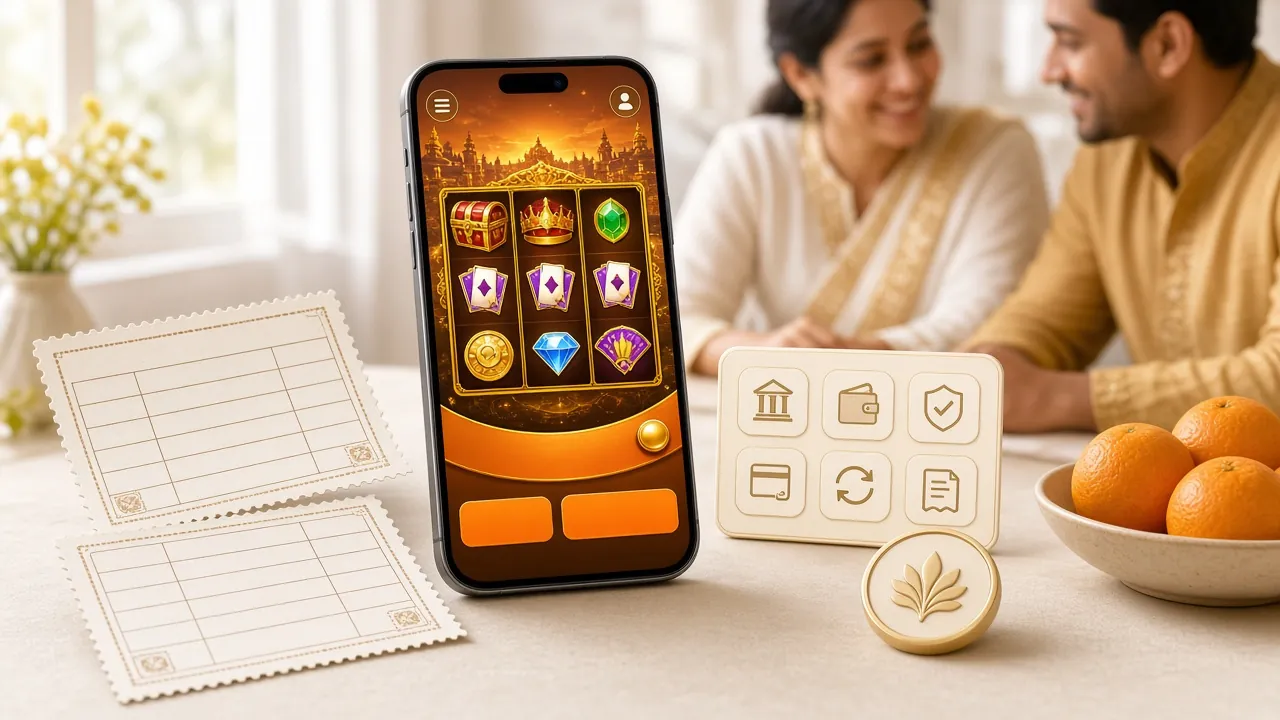
Inside the App: Everything Available on Match Night
The bq77 app is not a stripped-down version — it carries the full game library from the desktop site.

Slots — Over 3,800 Titles
From Playtech's Let's Shoot (RTP 97.8%) to KA Gaming's Plants vs Dino, the full slot catalogue is touch-optimised. Minimum bet from ৳1; autoplay and turbo-spin work on all Android models tested.

Live Casino — Real Dealers, Real Time
Evolution's European Roulette, Sexy Gaming's European Blackjack, and multiple baccarat rooms stream live with HD video. Minimum table bets start at ৳2 so you can join without a large stake. Chat with dealers directly from the bq77 Casino tab.
Cricket Betting — Ball-by-Ball
Live in-play markets for T20, ODI, BPL, IPL, and test cricket. Odds refresh every few seconds. Place bets between overs directly from the scorecard view. Push notifications alert you when a match you have backed starts or when odds move significantly.
Fishing Games — Quick Sessions
Evolution's Captain Fisher and Sexy Gaming's 3 Gods Fishing work exceptionally well on touchscreen. Tap to aim, hold to charge shot power. Sessions can be as short as five minutes — ideal during a commute. RTP on both titles sits at 95.2%.
Wallet: Deposit & Withdraw In-App
All five payment methods — bKash, Nagad, Rocket, Upay, and Bank Transfer — are available inside the app wallet. Minimum deposit ৳500; withdrawals from ৳700 up to ৳2,20,000 per day. Deposits average 4 minutes, withdrawals average 43 minutes. See the deposit guide for step-by-step instructions.
Bonuses & VIP — All Tracked In-App
Your bonus balance, wagering progress (21× requirement), daily cashback (1.3%), and VIP tier are all visible under the Promotions tab. The app sends a push notification when a reload bonus (9%) becomes available, so you never miss a Monday offer.
Install Not Going Smoothly? Five Fixes for Common Problems
Most installation errors have a straightforward cause. Check this table before contacting support.
| Problem | Most Likely Cause | Fix |
|---|---|---|
|
"Install blocked" message App won't start installing |
Unknown Sources permission not granted for the browser or file manager you used to open the APK. | Go to Settings → Security → Install Unknown Apps. Find the specific app you used (e.g. Chrome or Mi File Manager) and enable "Allow from this source." Retry the install. |
|
"Insufficient storage" error Install starts then fails |
Android needs at least 150 MB free internal storage to install a 52 MB APK and unpack it. Low-storage devices may not meet this during the extraction phase. | Clear app caches: Settings → Storage → Cached Data → Clear. Alternatively delete apps or photos you no longer need. Even clearing 200 MB is usually enough to proceed. |
|
"App not installed" after tapping Install Countdown bar completes but nothing appears |
The downloaded APK file is corrupt or incomplete — this happens if the download was interrupted by a signal drop or the browser closed mid-download. | Delete the existing bq77.apk from your Downloads folder, reconnect to a stable Wi-Fi or 4G network, then download the file again from this page. Do not close the browser during the download. |
|
App installs but crashes on open Splash screen appears then closes |
Your Android version may be below 8.0 (Oreo), or the device has less than 2 GB RAM, which is the practical minimum for smooth operation of the live casino streams. | Check your Android version in Settings → About Phone. If it is 7.x or lower, use the mobile browser at bq77.ws instead — all features including live betting are available there. Consider the Home Screen shortcut for quick access. |
|
Login page does not load in-app White screen or "No connection" |
The app requires internet access permission. Some strict security apps (like certain Samsung Knox profiles or third-party firewalls) block unknown app traffic by default. | Go to Settings → Apps → bq77 → Permissions and ensure "Internet" or "Network" access is enabled. If you use a VPN, try disabling it temporarily — some VPN servers block Bangladeshi gaming domains. Contact live chat if the issue persists. |
Questions About the bq77 App — Answered Directly
If your question is not here, our 24/7 live chat team can answer it in under a minute.
1 Is the bq77 APK file safe to download and install?
2 Why does Android say "Install blocked" when I try to install bq77.apk?
3 How do I update the bq77 App when a new version is released?
4 Is there a bq77 app for iPhone or iPad?
5 Can I use the same bq77 account on the app and the website at the same time?
6 What is the minimum deposit amount in the bq77 app, and which methods are available?
7 Do I need to create a new account to use the app, or can I use my existing bq77 login?
Download the App, Then Start Playing
Once you have the bq77 App installed, you are three taps away from live cricket markets during BPL, or a quick slot session before bed. Register free, deposit with bKash, and your first deposit bonus posts automatically.